A product photo needs room for a headline. A profile portrait needs a believable face. A poster needs a composition that survives a crop. Start with the job the image must do, then describe the picture.
This guide gives you six editable H3 Image prompts and a way to improve them without changing everything at once. These are original starting prompts, not tested benchmark results or the prompts behind MiniMax’s showcase. Results vary with the model, settings and references.
Open the H3 Image generator, or browse official examples and the homepage composer. Review the selected model, available settings and credit quote before generating.
A prompt formula you can reuse
Write subject → setting → composition → light → material → constraints. The order is a writing aid, not a special model syntax.
“Premium, stunning, beautiful” does not tell the model where the product belongs. “One amber bottle in the lower-right third, with empty space on the left” does. Give each visual choice a purpose.
Keep the non-negotiable details short. A subject cannot simultaneously fill the frame and leave most of the frame empty. Resolve that conflict in your brief first.
1. Product launch: leave space for the offer
Use this for a campaign concept. If the actual product must match, upload a product reference and follow the image editing workflow.
A studio product photograph of one unbranded amber glass skincare bottle on a warm ivory stone plinth. Bottle in the lower-right third of a wide composition. The left half is clean negative space for a headline added later. Soft window light from the upper left, gentle contact shadow, visible glass reflections, realistic stone grain. Restrained cream and amber palette. No lettering, extra bottles or decorative plants.Change first: bottle material and background color. Check: the base actually touches the plinth, reflections are plausible, and the headline area stays clear. Add your real packaging label in an editing workflow; do not assume generated lettering matches it.
2. Social post: make one subject impossible to miss
A single cobalt-blue running shoe suspended above a vivid tangerine background, photographed from a low three-quarter angle. One broad hard-edged shadow beneath it. Crisp rubber tread and woven fabric, bright direct studio lighting. Strong blue-orange contrast, centered subject, square composition with breathing room around every edge. No text, logo or additional shoes.Change first: the color pair. Check: silhouette at thumbnail size, sole geometry and room for the platform’s crop. More props will not automatically make a stronger feed image.
3. Portrait: specify the photograph, not perfection
An editorial head-and-shoulders portrait of a fictional adult ceramic artist in a sunlit workshop. Relaxed expression, looking slightly past the camera. Natural skin texture, loose cotton shirt, warm side lighting, softly out-of-focus shelves behind the subject. Eye-level camera, portrait composition, eyes in sharp focus, subtle film grain. No beauty retouching, jewelry or text.Change first: setting or lighting, one at a time. Check: eyes, ears, hair boundaries and any visible hands. For a real person, use an authorized reference; text alone does not establish their identity.
4. Poster background: build hierarchy before typography
A sculptural translucent glass flower against a nearly black plum background. A few large petals curve upward, with hot pink and amber reflections along their edges. Dramatic rim lighting, sharp glass details, generous dark empty space across the upper third for a title added later. Vertical poster composition. No text, watermark or surrounding objects.Change first: petal shape or palette. Check: the final title remains readable over the reserved area. Set exact event names, dates and prices yourself after generation.
5. Illustration: keep the visual language consistent
A small orange observatory on a floating island above deep blue clouds. Hand-painted gouache illustration with visible paper texture, simple geometric forms and a limited navy, orange and cream palette. One winding path leads the eye toward the observatory. Wide composition, quiet evening mood, soft edges in the clouds and sharper architectural edges. No lettering or photorealistic objects.Change first: the destination building. Check: whether texture, perspective and edge treatment belong to the same illustration style. Avoid mixing unrelated style instructions unless that contrast is intentional.
6. Website hero: design for the crop
A macro photograph of translucent lime-green glass ribbons folding over a matte charcoal surface. Directional light catches the curved edges; the lower-left quadrant remains dark and uncluttered for interface copy. Abstract but physically believable materials, high contrast, wide horizontal composition. No text, logos, sparkles or interface elements.Change first: ribbon color. Check: the focal point in both a wide desktop crop and a narrow mobile crop. A beautiful full-size image may still be a poor mobile background.
Improve the next result with one clear change
Keep the original prompt and note what failed. If the subject is too small, change its placement and scale; do not also replace the lighting, palette and style. Compare composition before fine detail. Choose a smaller available output while exploring, then review the quote for a larger version when the direction is settled.
For an existing image, use a focused edit instead of restarting the entire scene. Write what changes and what stays. Our H3 Image editing guide covers reference roles, product backgrounds and common failures.
What H3 Image supports
MiniMax describes H3 Image as supporting text-to-image, reference-based creation and editing, with up to 16 reference images and 4K output. Those are model capabilities; the settings shown by your chosen provider determine the request you can make. See the official MiniMax announcement.
H3 Image.art is an independent multi-model studio. Browse image tools, compare plans and credit packs, or return to the H3 Image model page.
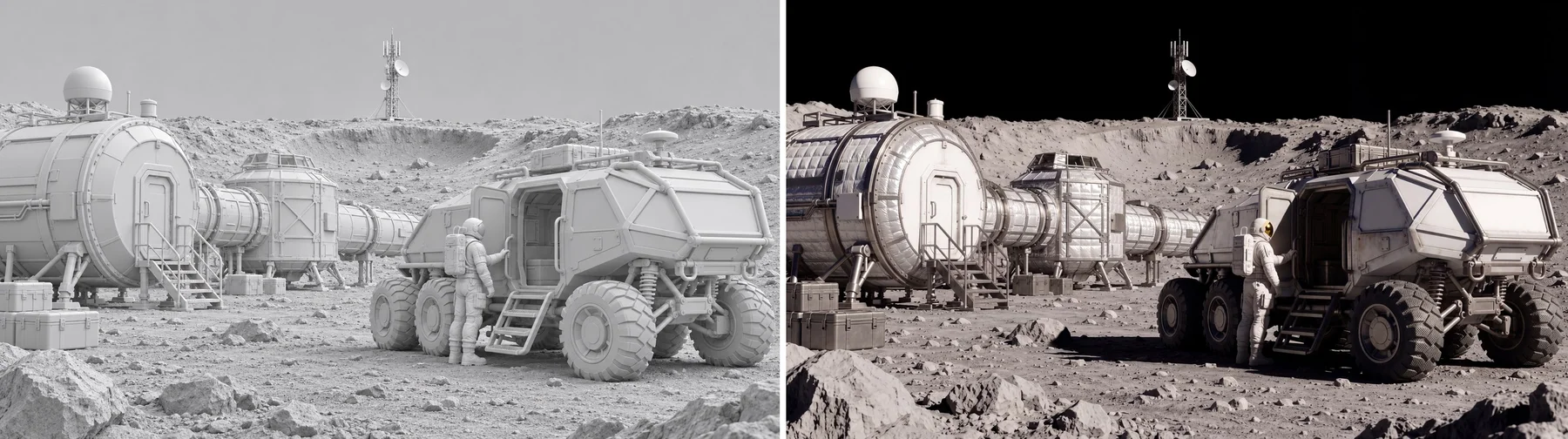
Cover: MiniMax official H3 Image showcase; not an output of the example prompts below. View source.