
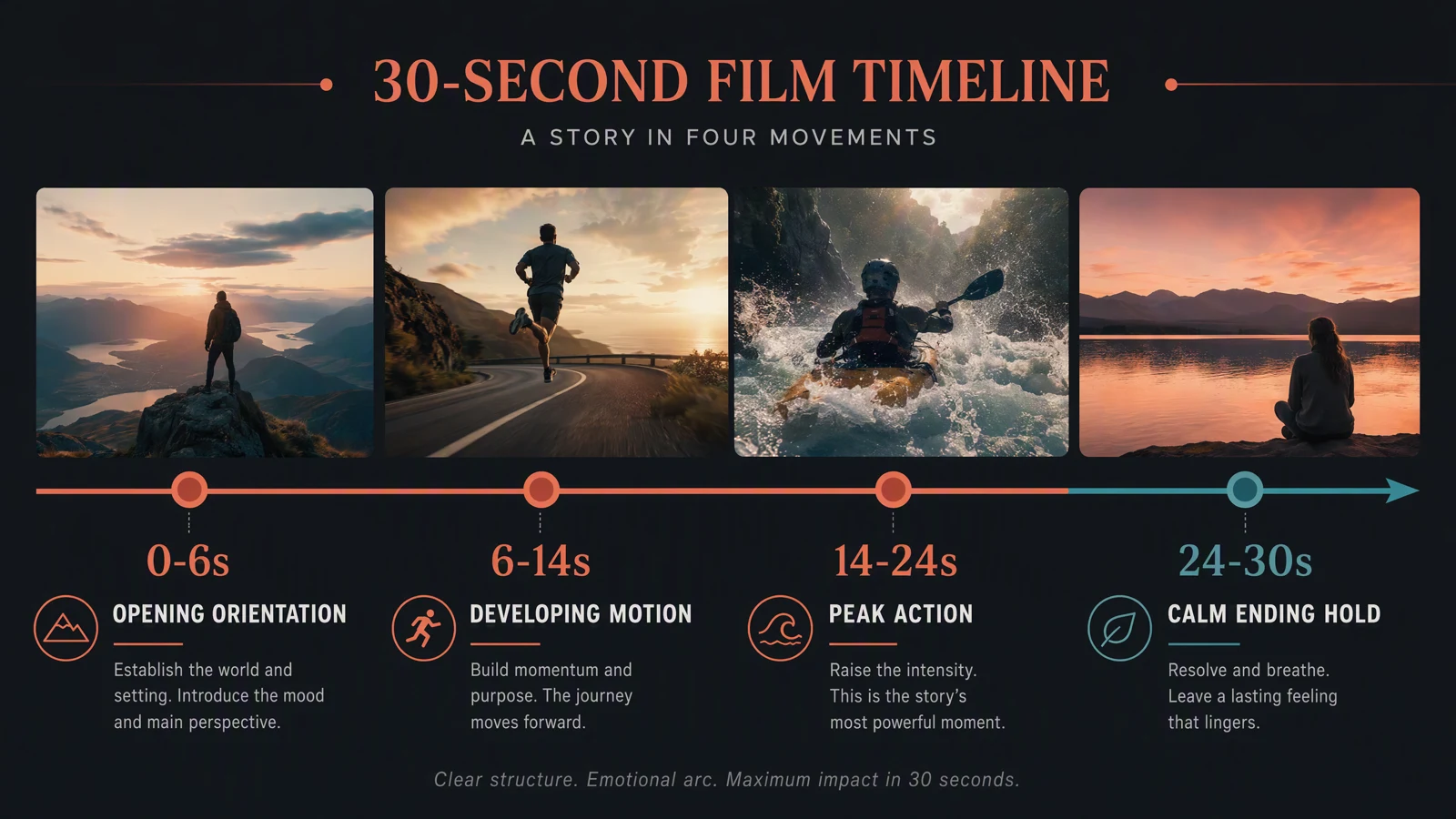
Seedance 2.5
Seedance 2.5 30-Second Video Guide: Timeline, Prompt, and QA
Learn how to plan a Seedance 2.5 30-second video with a reusable four-beat timeline, current duration limits, prompt structure, and practical QA.
Read guideStart with H3 Image prompts and photo edits. Find practical workflows, model guides and credit advice for the work you want to make.
Learn how to plan a Seedance 2.5 30-second video with a reusable four-beat timeline, current duration limits, prompt structure, and practical QA.
Read guide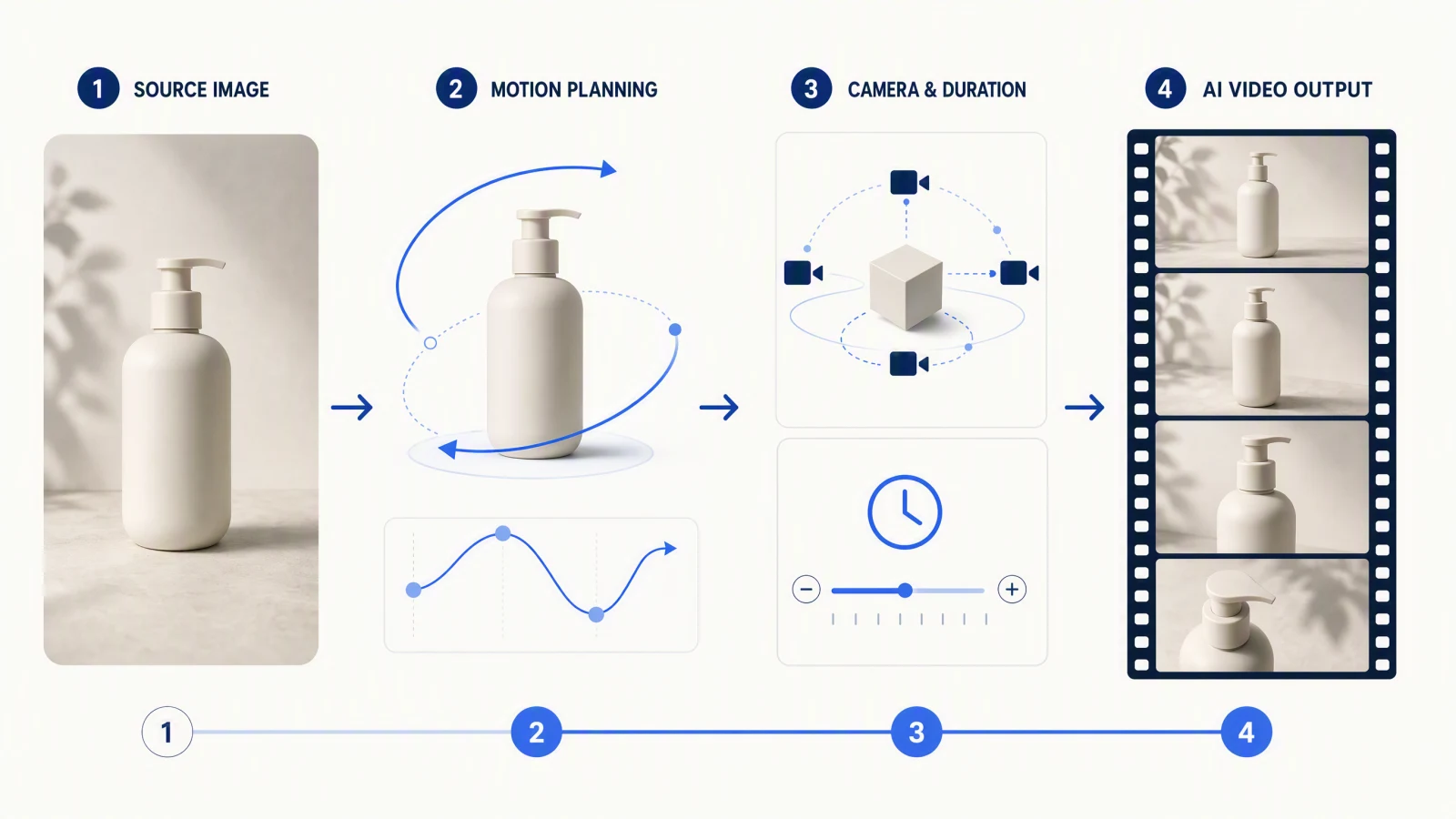
Learn a practical Seedance 2.5 image-to-video workflow for choosing input roles, writing motion prompts, reducing drift, and reviewing every frame.
Read guide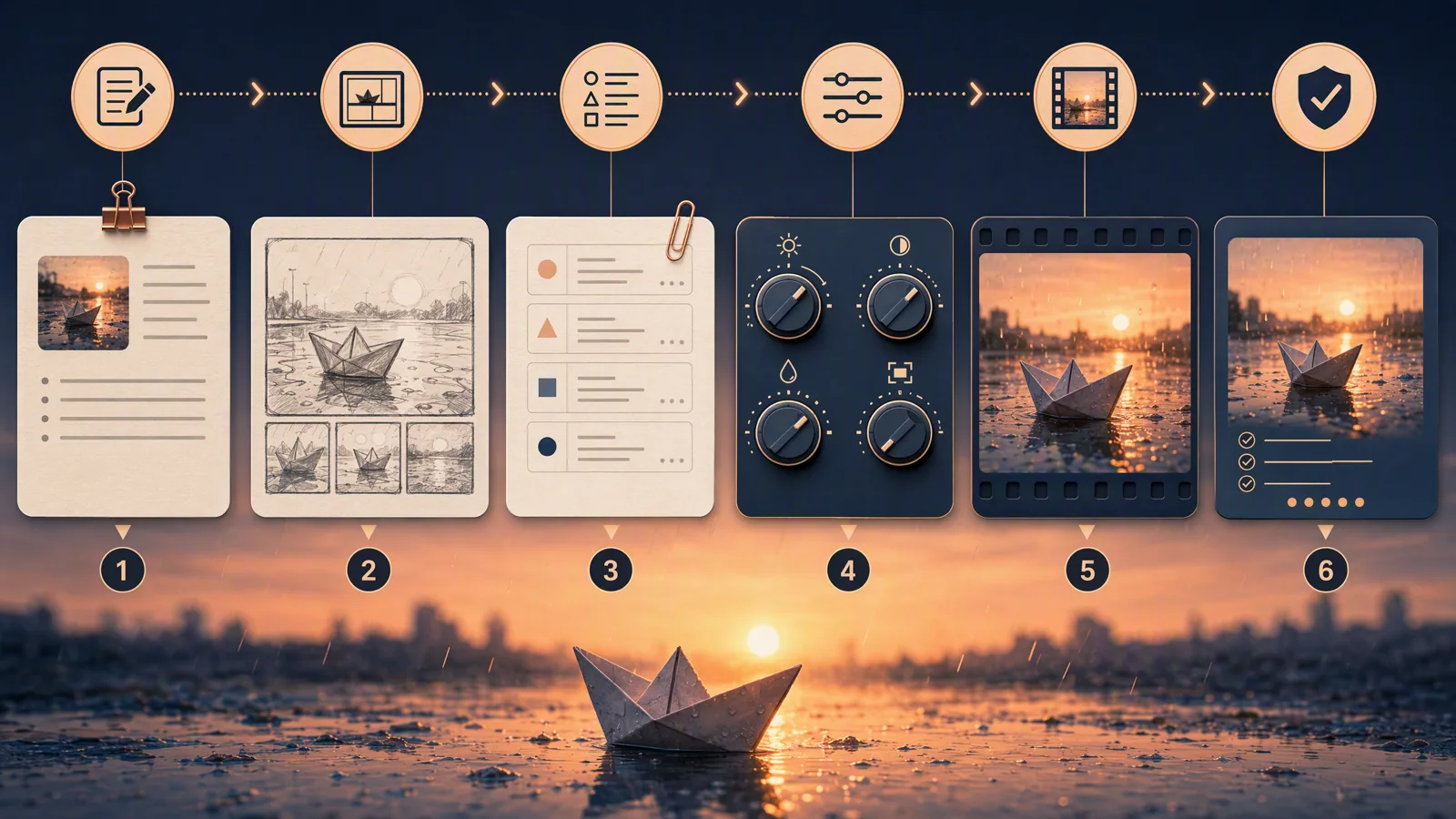
Learn a practical Seedance 2.5 text-to-video workflow: turn one brief into a shot plan, prompt, current settings, QA review, and focused revisions.
Read guide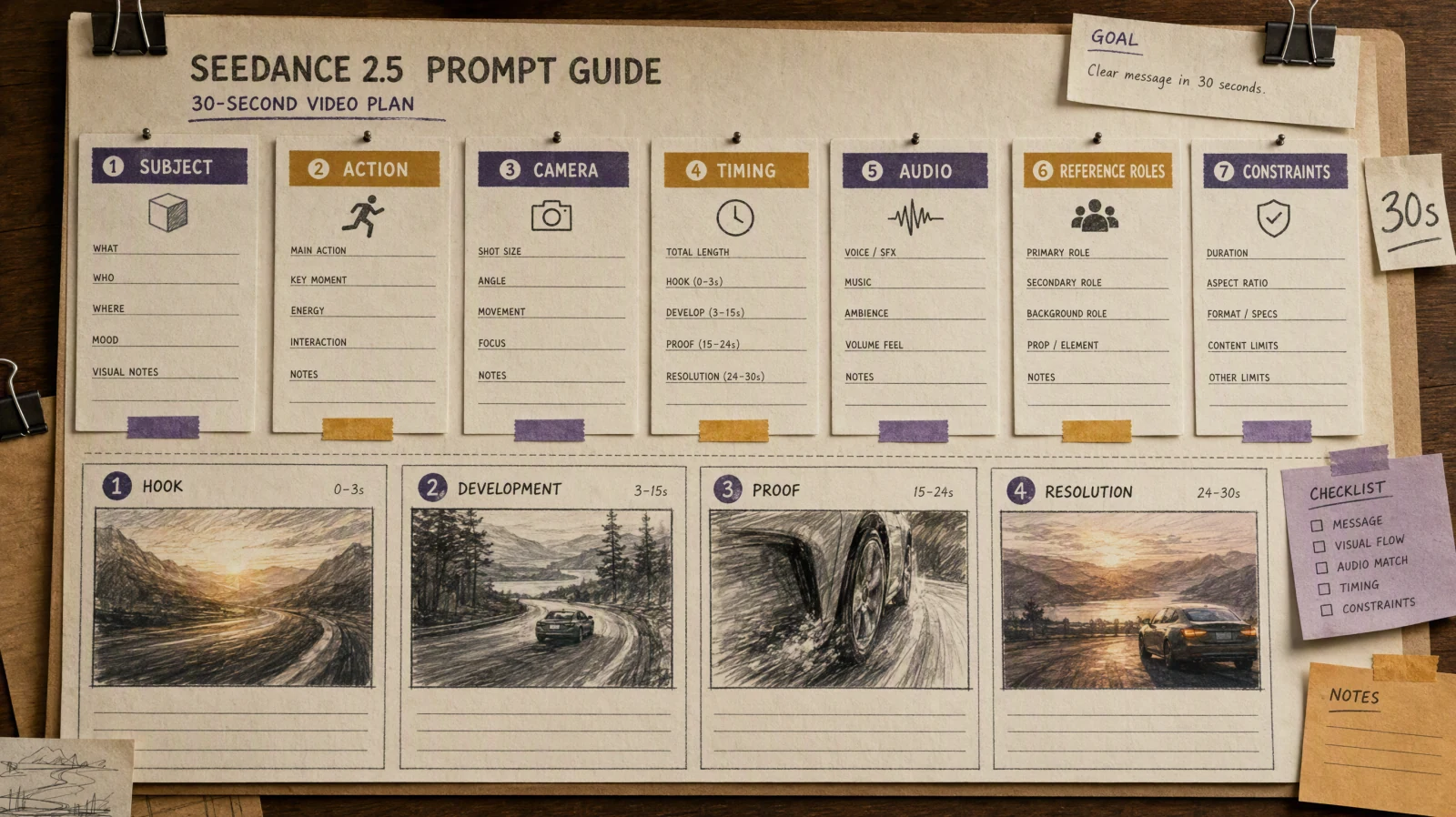
Copy 24 short Seedance 2.5 prompts and 12 full 30-second briefs, each tested on Seedance 2.5 with the result clip, what the model skipped, and one-line fixes.
Read guide
Learn how to use Seedance 2.5 for text, image, first and last frame, and reference video workflows, with practical prompts, settings, checks, and fixes.
Read guide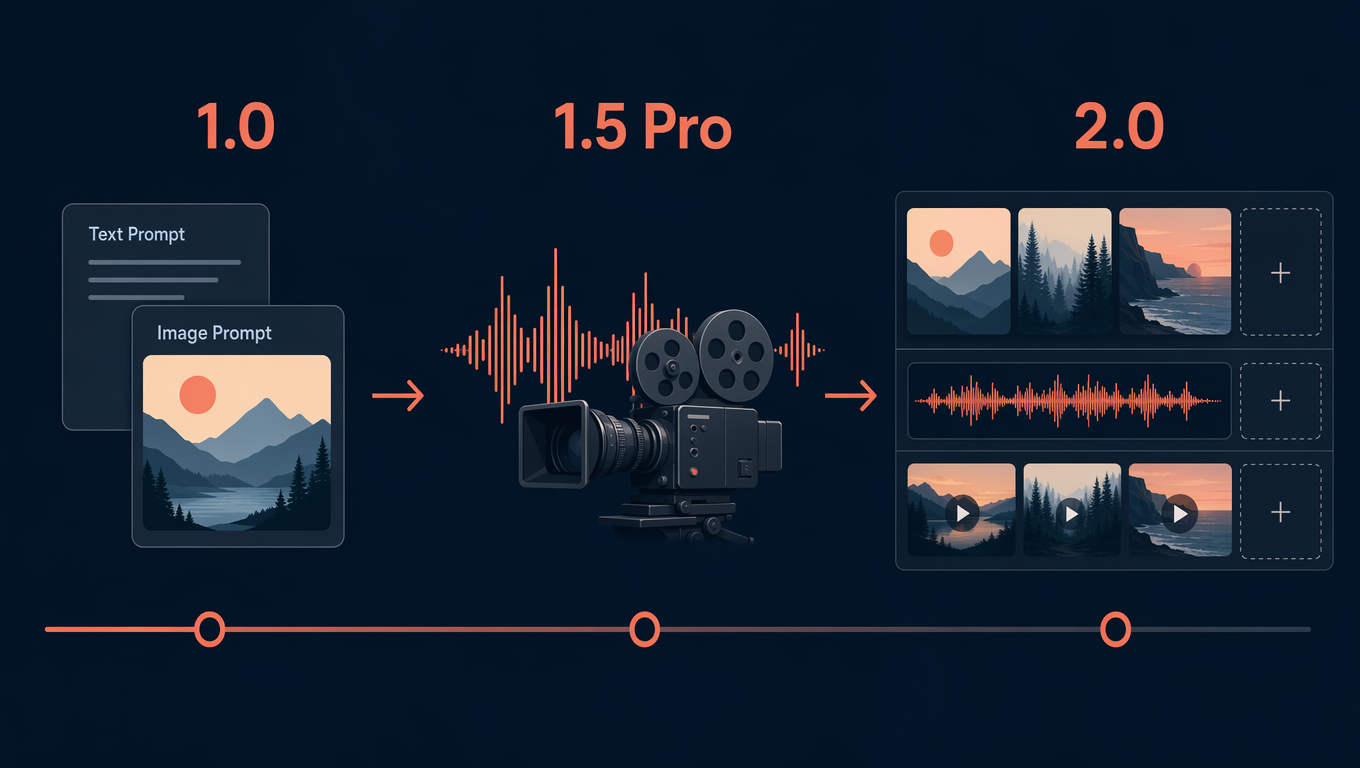
Compare Seedance 1.0, 1.5 Pro, and 2.0 by inputs, audio, references, editing, and workflow fit for your next video project.
Read guide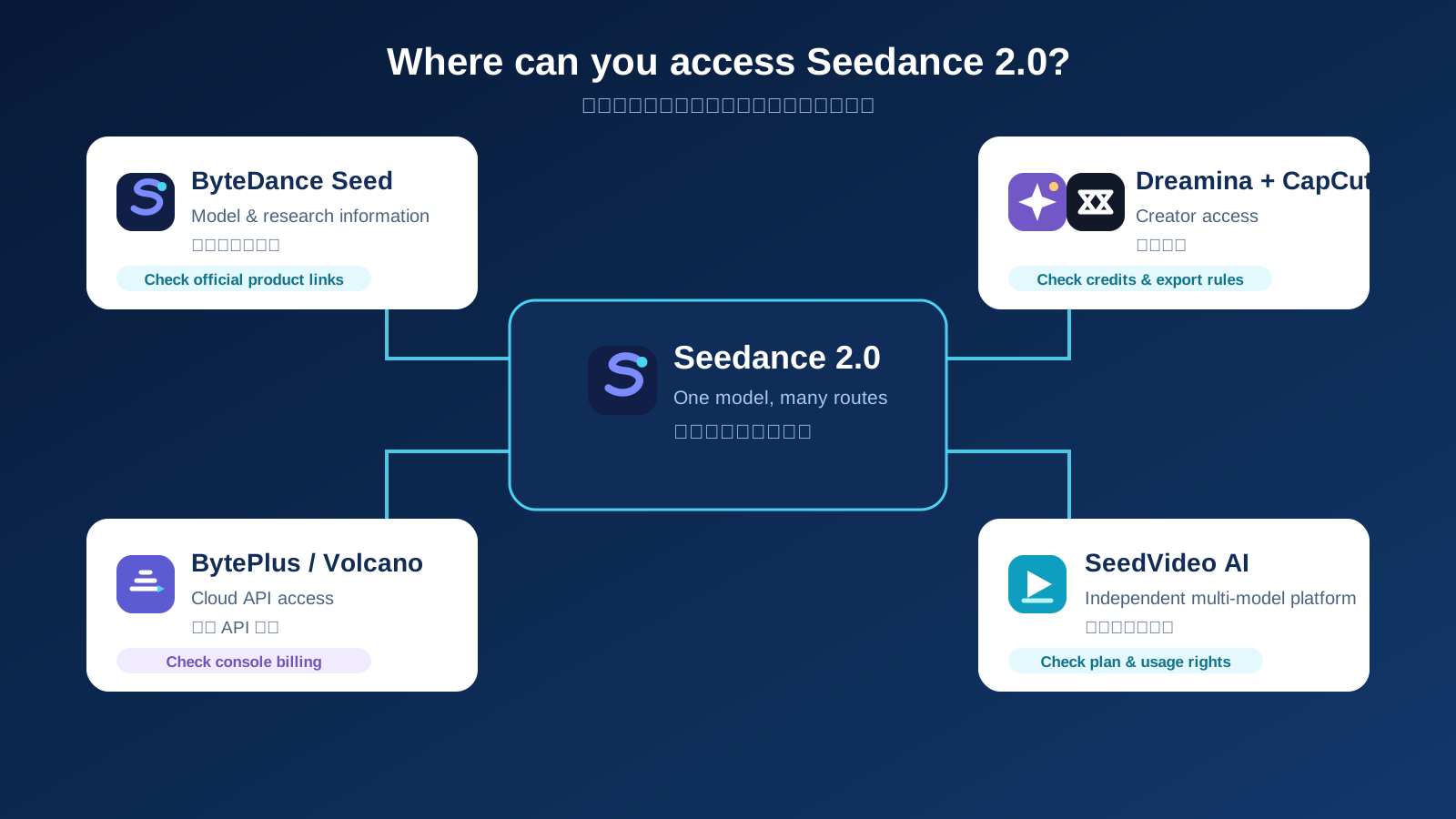
The difference between free examples, optional verified welcome credits and paid Seedance video generation.
Read guide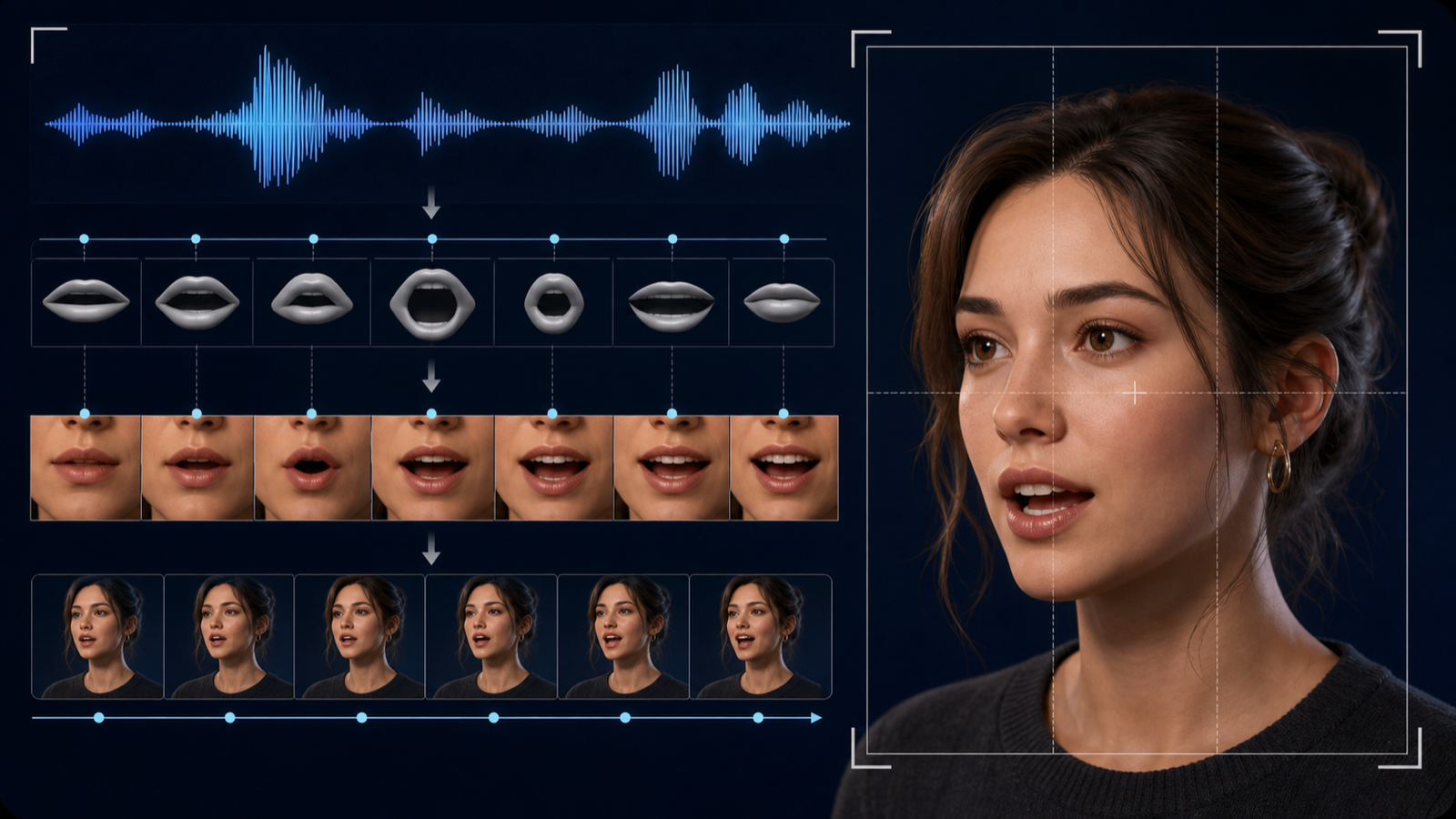
Learn how Seedance AI lip sync works, choose the right audio-video workflow, write dialogue prompts, and fix timing, face, and voice problems.
Read guide
Learn how to use Seedance 2.0 video reference in CapCut/Dreamina, prepare clips, write prompts, control motion, and fix common reference failures.
Read guide
Seedance 2.5 is still marked coming soon as of July 21, 2026. Check its official Dreamina and CapCut access, BytePlus API, pricing, and release status.
Read guide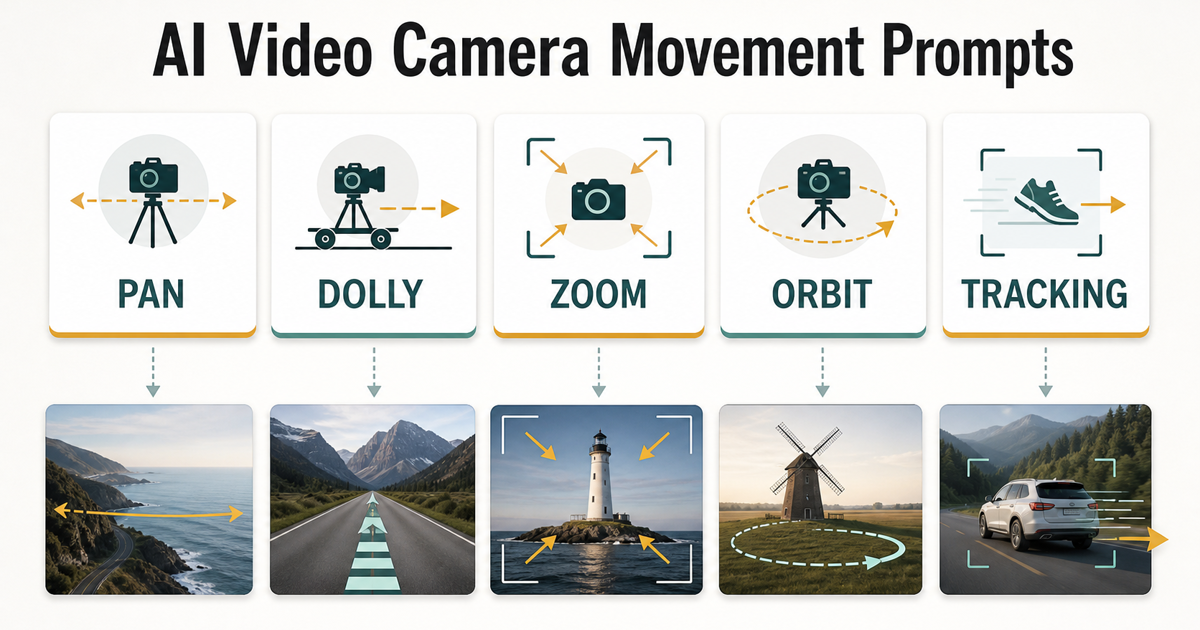
Copy AI video camera movement prompts for pan, dolly, zoom, orbit, and tracking shots, with formulas, examples, and a H3 Image test workflow.
Read guide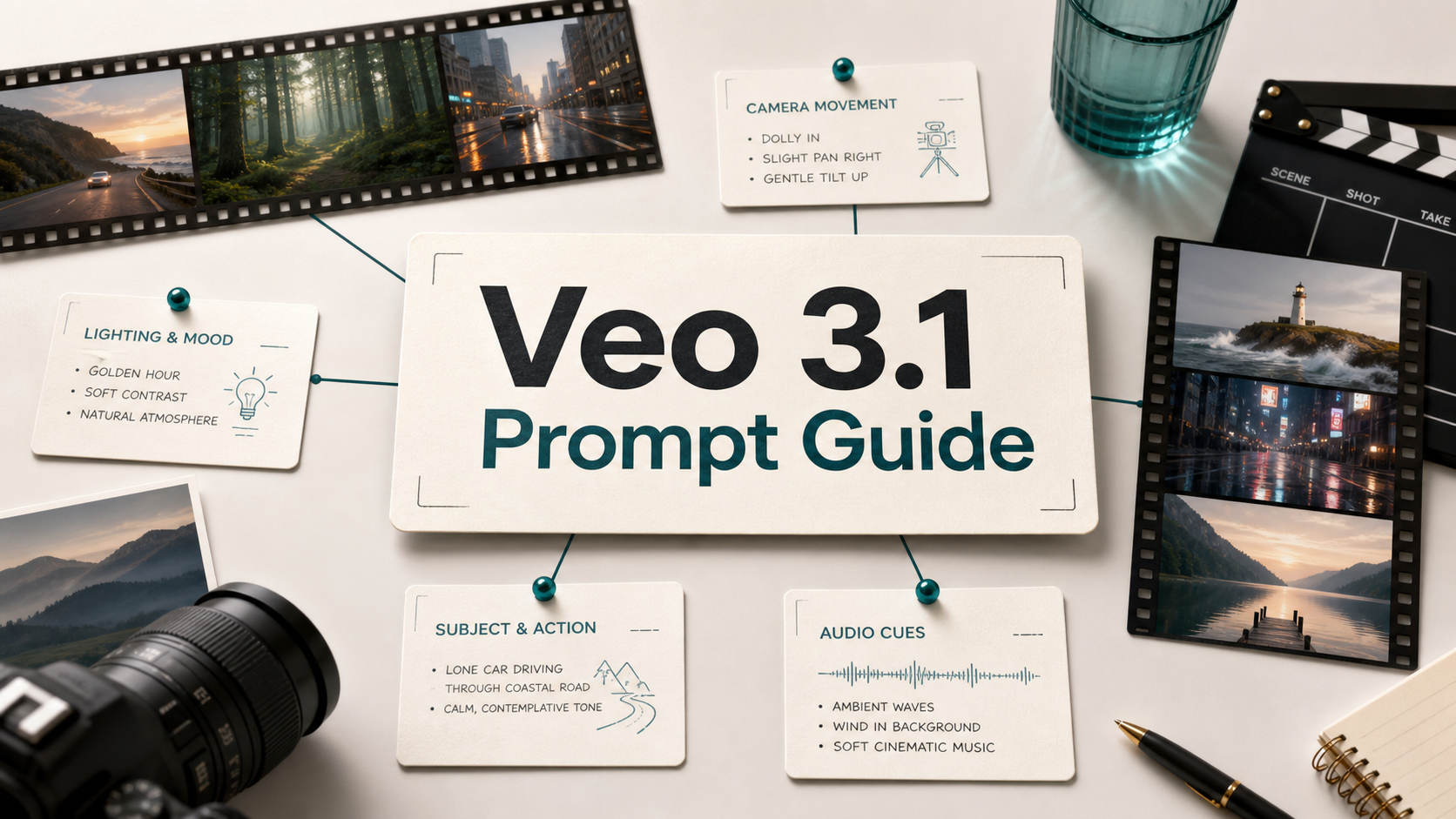
Learn a practical Veo 3.1 prompt guide for realistic AI videos, with formulas, examples, camera terms, audio cues, and testing workflow.
Read guide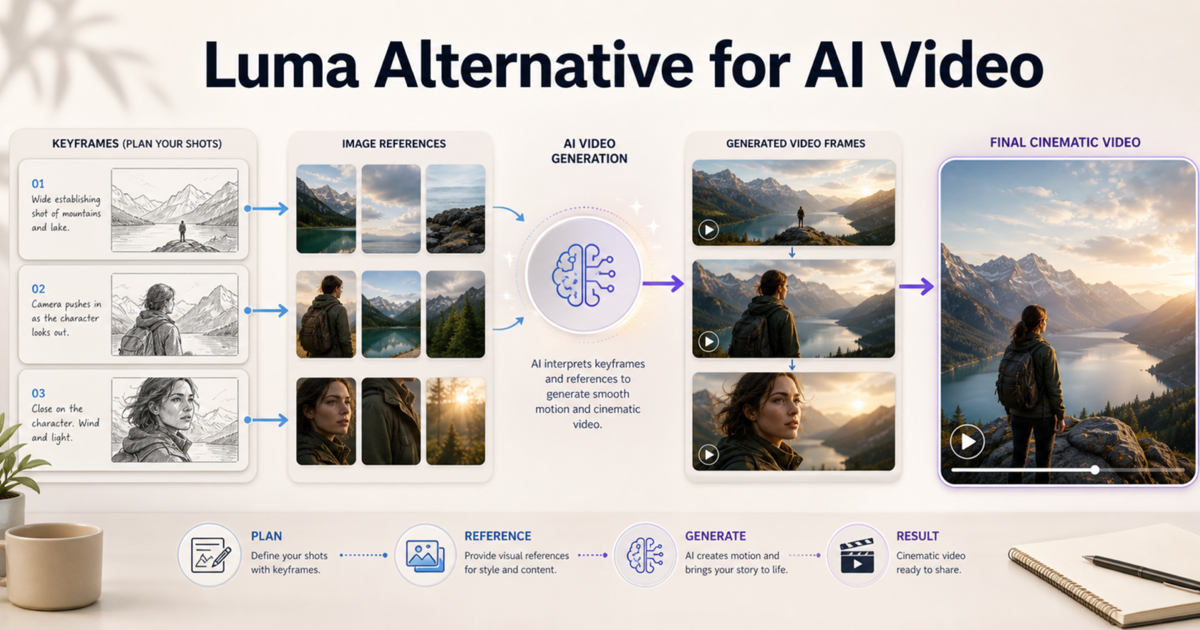
Compare Luma alternatives for keyframe-style planning, image-to-video shots, motion control, and when H3 Image fits a simpler workflow.
Read guide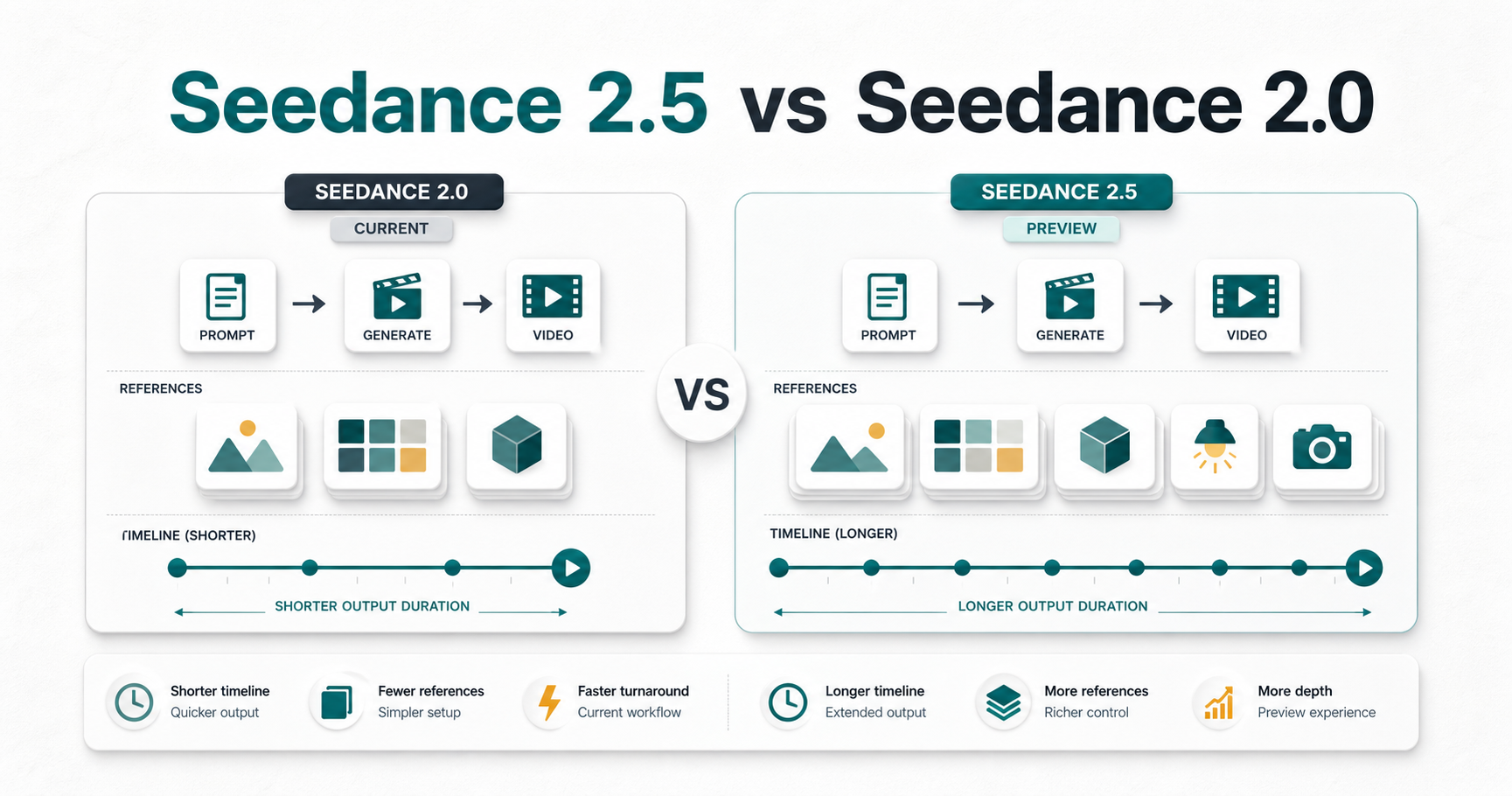
Compare Seedance 2.5 vs Seedance 2.0 across preview features, confirmed facts, workflow changes, prompt planning, and creator risks before publishing.
Read guide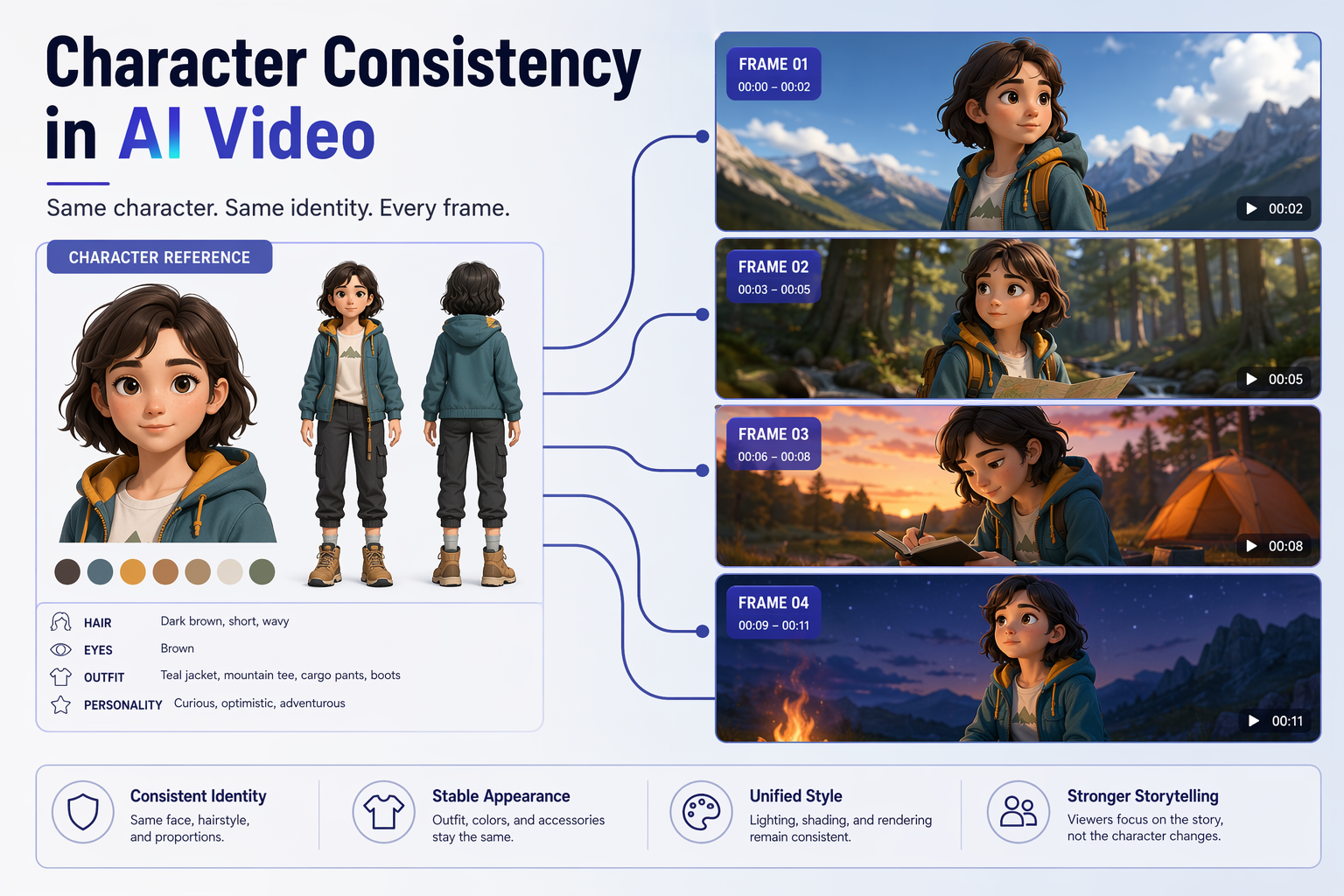
Learn how to keep characters consistent in AI video with reference images, character lock prompts, shot planning, checklists, and H3 Image workflow.
Read guide
Use an AI product video generator to turn product photos into video ads with prompts, workflows, input tips, ecommerce use cases, and mistakes to avoid.
Read guide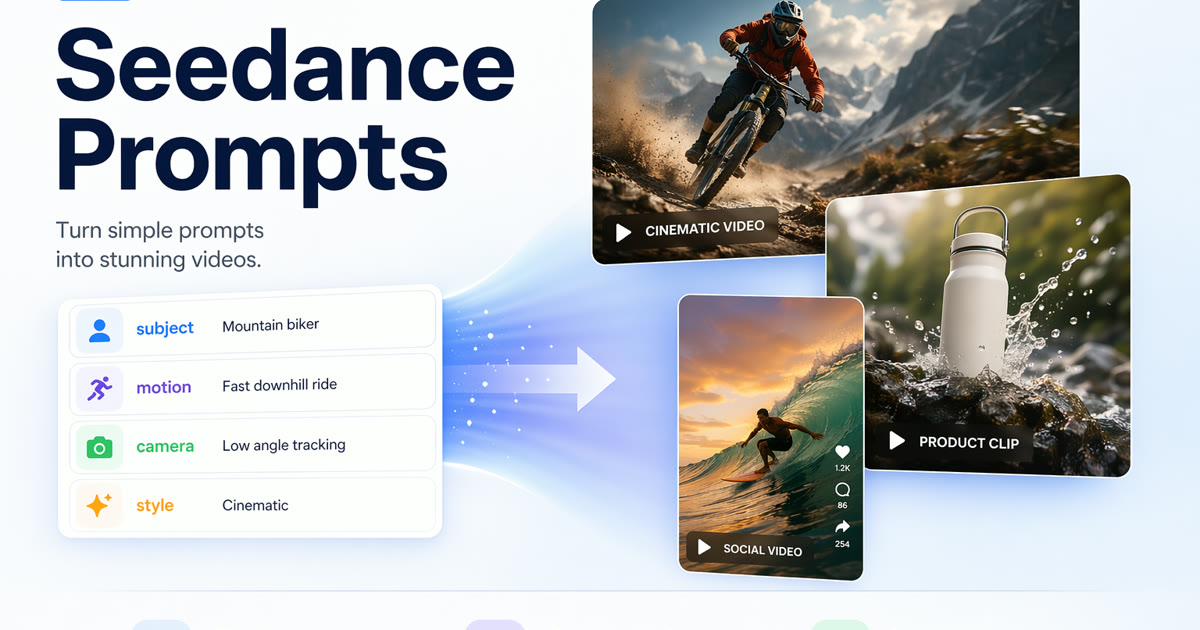
Use 20 Seedance prompts for text-to-video, image-to-video, product clips, social ads, and cinematic tests, plus a formula for better results.
Read guide
Compare Veo and H3 Image for realistic AI video, prompt control, image-to-video workflows, native audio needs, and multi-model testing today.
Read guide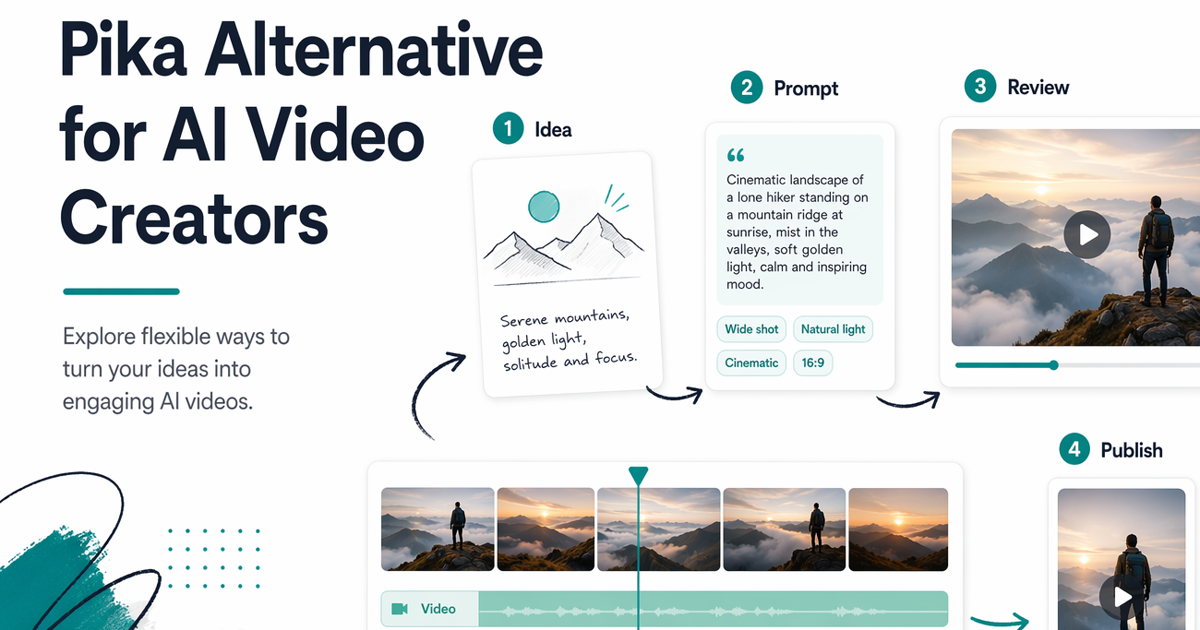
Compare Pika and H3 Image for social clips, product demos, travel videos, and brand workflows. Use a neutral testing checklist to choose.
Read guide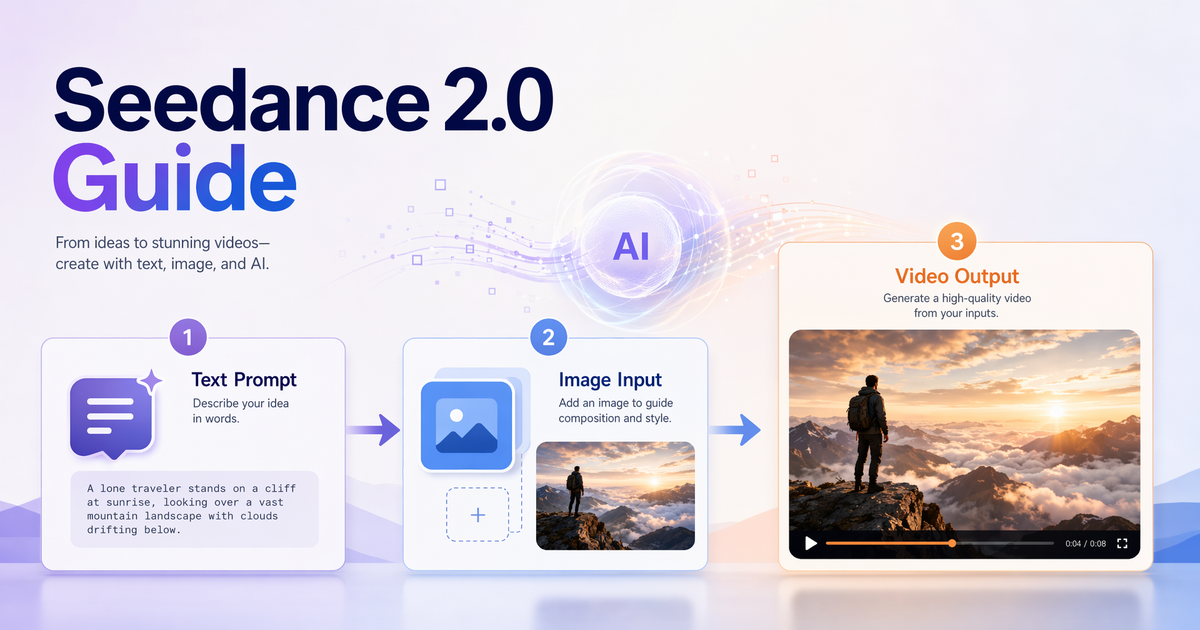
Learn what Seedance 2.0 is, how H3 Image supports text-to-video and image-to-video workflows, who it fits, and how to start safely today.
Read guide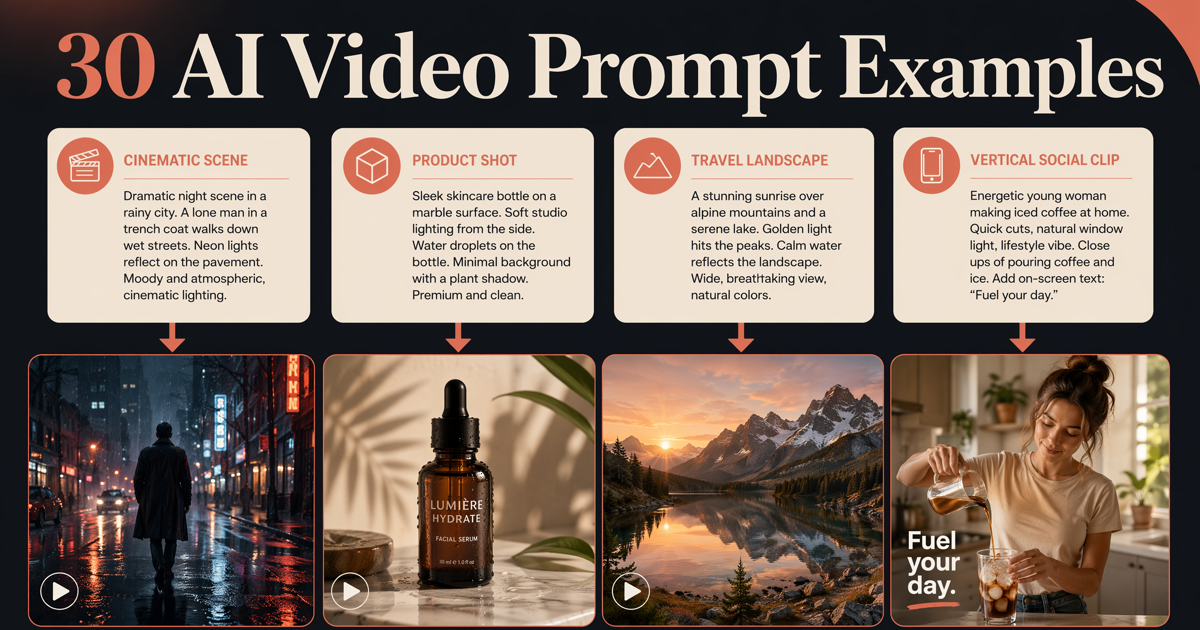
Copy 50 AI video prompt examples for cinematic, product, travel, social, dialogue, camera-move, image-to-video, and reference-to-video clips. 10 are tested on Seedance 2.5 with the result clip and what the model missed.
Read guide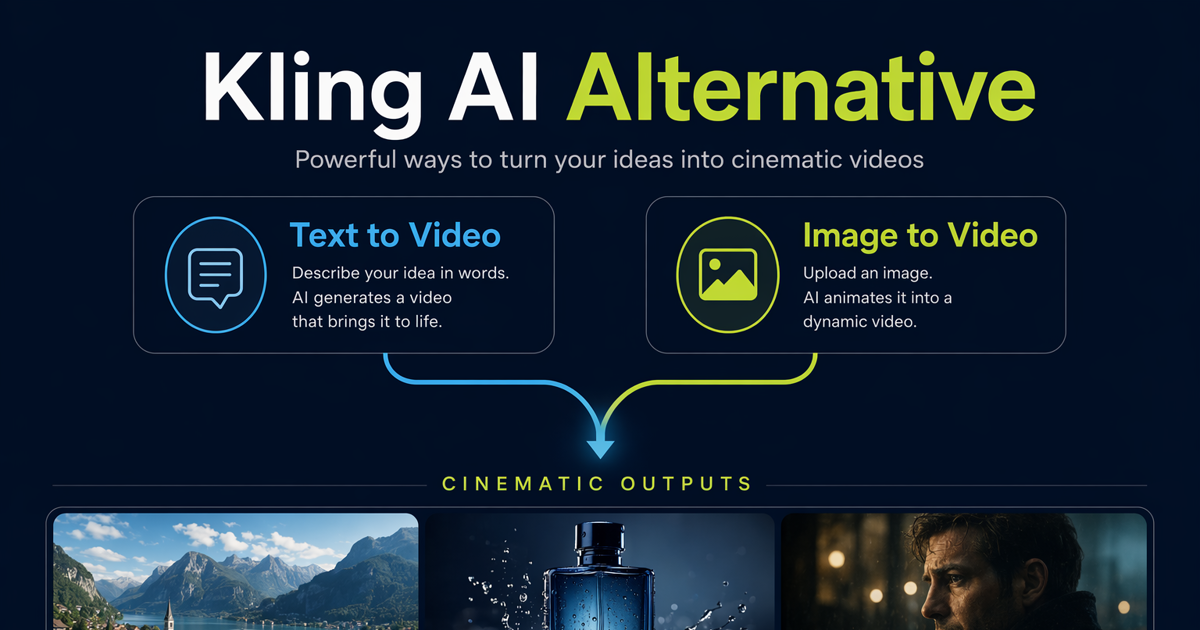
Compare Kling AI and H3 Image for text-to-video and image-to-video workflows, use cases, testing criteria, and the best fit for creative teams.
Read guide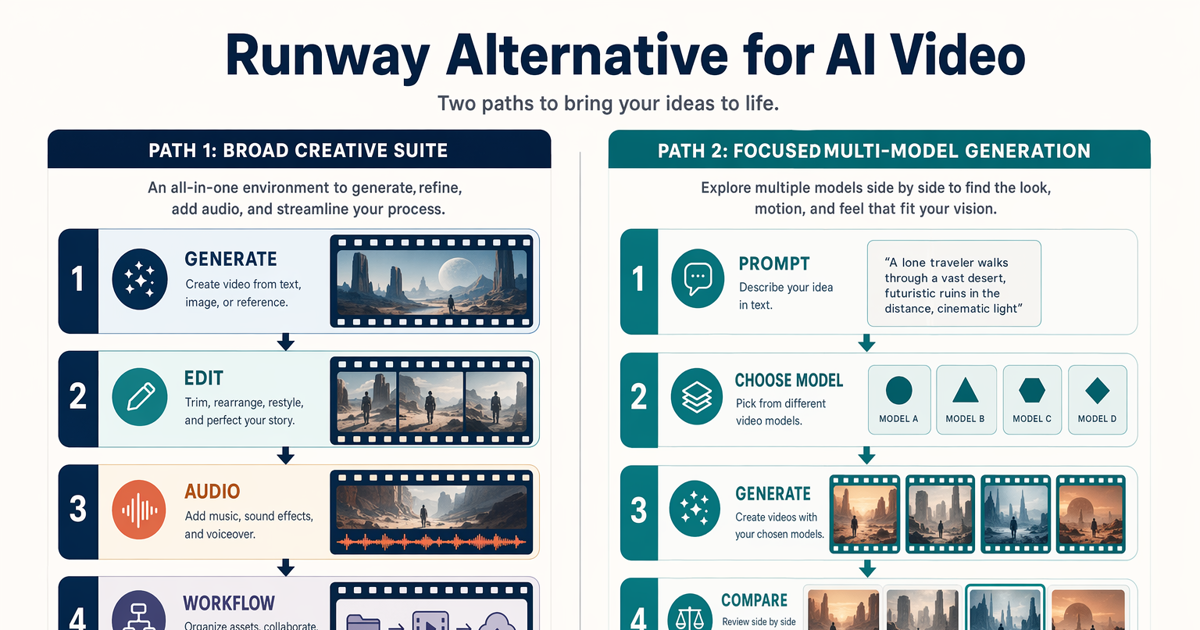
Compare H3 Image and Runway for AI video generation, including best-fit use cases, workflow tradeoffs, migration steps, and decision criteria.
Read guide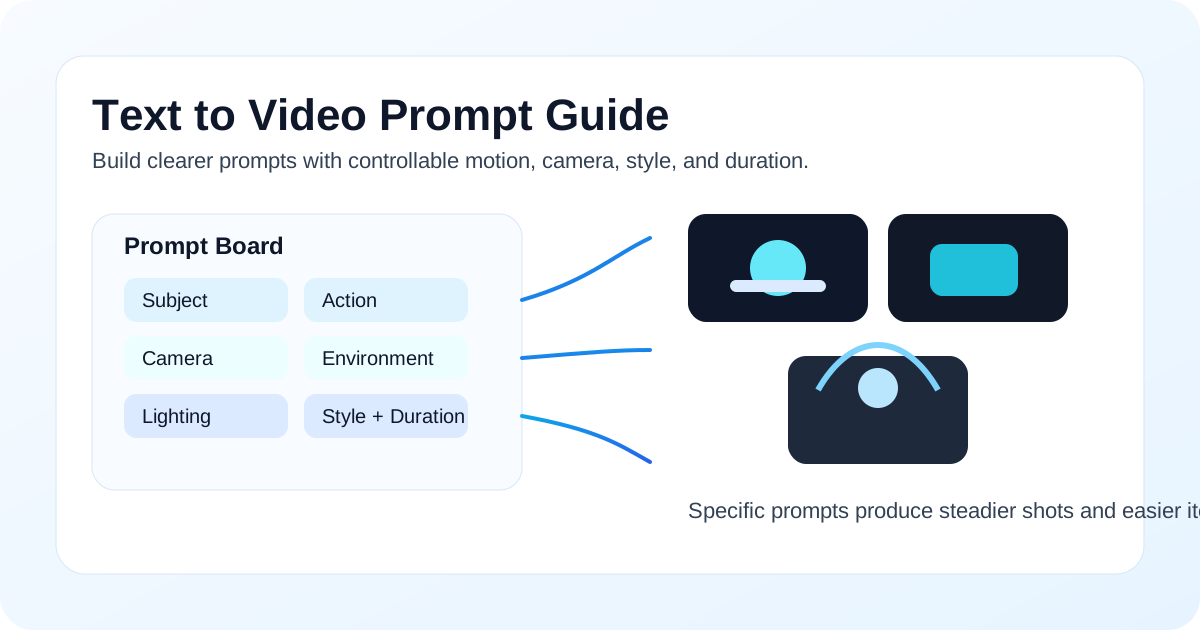
A practical 2026 text to video prompt guide with a reusable formula, 10 copyable prompt examples, camera movement tips, bad-vs-good comparisons, and a H3 Image workflow.
Read guide